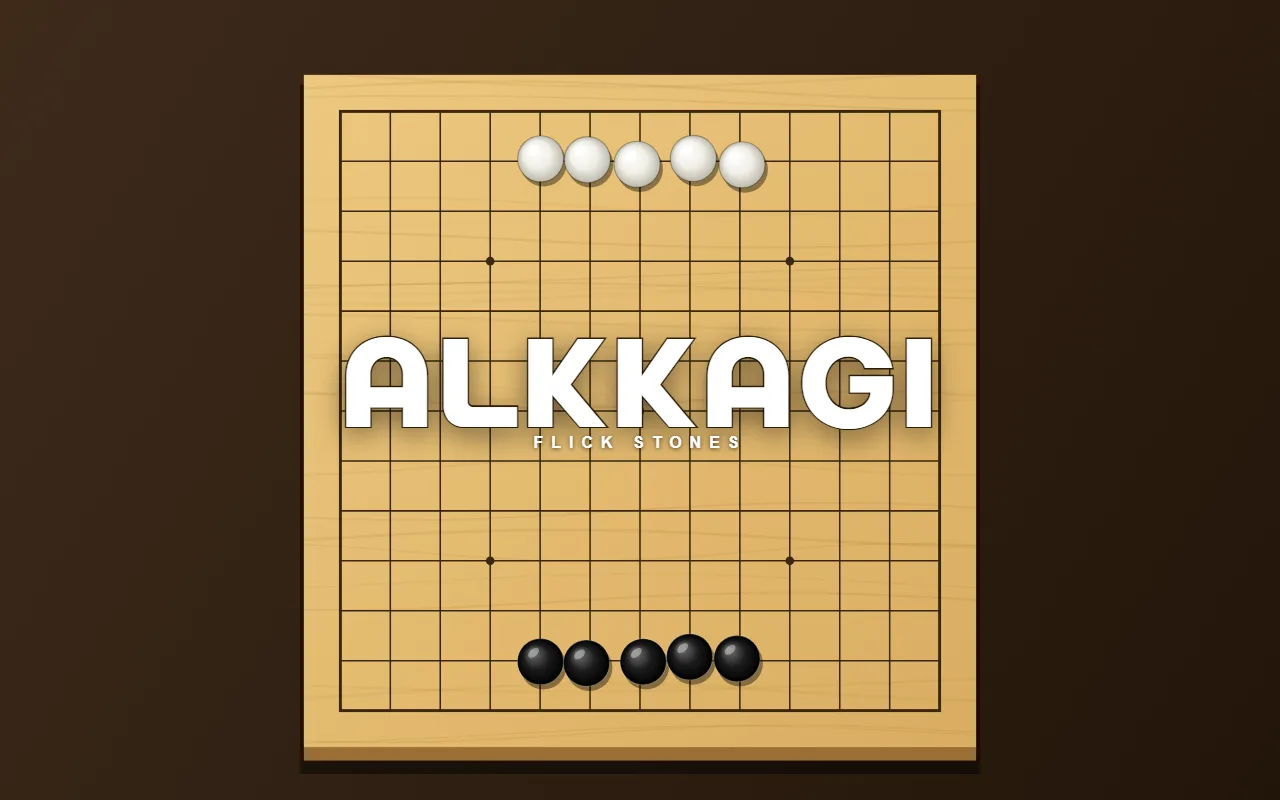
ALKKAGI
ALKKAGI is a game where you flick Go stones to knock the other side's stones off the board.
Five or six stones of each colour face each other on a Go board. Press on one of your stones and let go: on PC pull back and it shoots the opposite way, on a phone swipe the way you want it to go. The longer the pull or swipe, the harder it goes. Players alternate one flick each, and a stone that leaves the board is gone. Knock off all of the opponent's stones to win.
Each stage the opponent flicks more accurately and the stone formation changes. On even stages the opponent goes first. There is no last stage; the stage you reach is your record.
Press 2 PLAYERS on the title screen and two people take turns on one phone or PC. Knock off two stones in one flick for a DOUBLE, three for a TRIPLE.
Found a bug or something annoying? Report it below
- Type
- Casual game · Physics board game
- Built in
- 1 day
- Made with
- Canvas 2D · custom physics · look-ahead AI
- Status
- Complete · endless stages · 2-player mode
- Released
- 2026-09-07
- Last updated
- 2026-09-07
Good for — anyone who misses the old flash games, anyone who has flicked stones across a board at a family gathering, anyone who wants a one-minute round, and two people with one phone.
Frequently asked questions
What are the controls?
On PC, press on one of your stones, pull back and release; the stone shoots the opposite way. On a phone, press on a stone and swipe toward where you want it to go. The longer the pull or swipe, the harder it goes. Players alternate one flick each. A stone that leaves the board is gone. Knock off all of the opponent's stones to win; lose all of yours and it is game over.
How many stages are there?
There is no last stage. Each stage the opponent flicks more accurately and the stone formation changes. On even stages the opponent goes first. The stage you reach is your record.
Can two people play?
Yes. Press 2 PLAYERS on the title screen and two people take turns on one phone or PC. Whichever colour still has stones wins.
How does it work on a phone?
Hold the phone upright, press on a stone, swipe toward where you want it to go and let go. On PC, pull the stone back with the mouse and release.