Image Converter
Compress Image
Crop Image
- No install
- No sign-up
- Batch convert
- Photos never uploaded
- No install
- No sign-up
- Hits your target size
- Photos never uploaded
- No install
- No sign-up
- Fixed aspect ratios
- Photos never uploaded
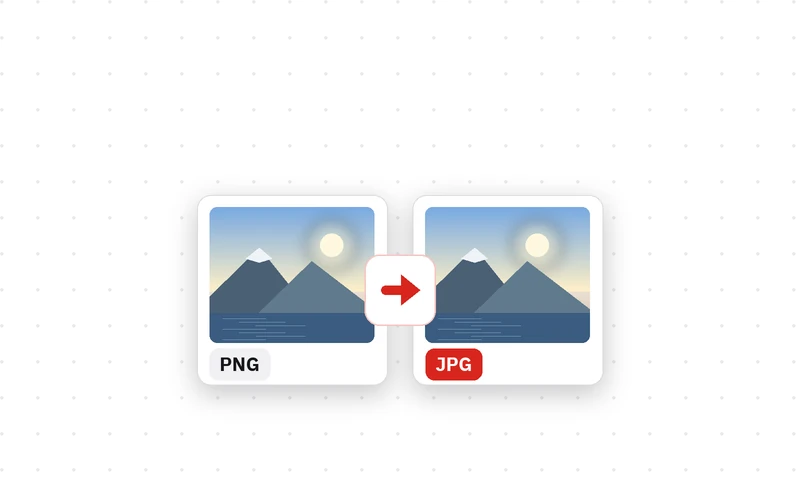
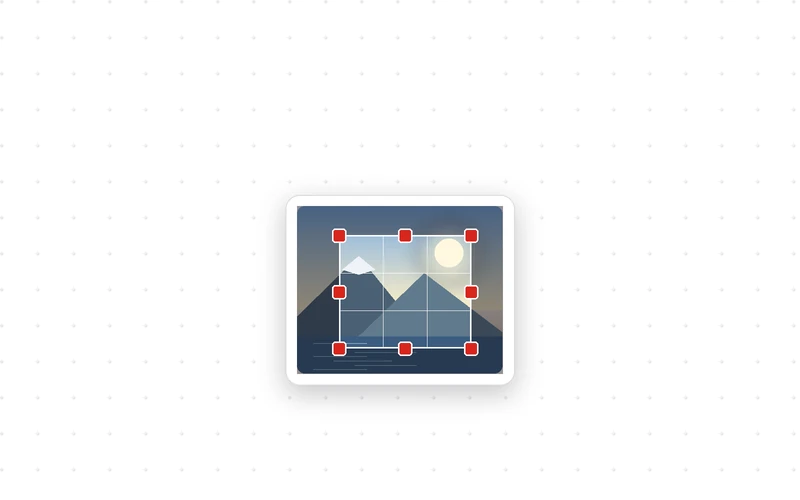
JPG, PNG and WEBP, many at once Squeeze photos down to an upload limit Drag the box over the part you want · drag & drop · Ctrl+V
🔒 Photos are converted only inside this browser on your device. Nothing is uploaded, and the converted file carries no location or camera data.
🔒 Photos are compressed only inside this browser on your device. Nothing is uploaded, and the smaller file carries no location or camera data.
🔒 Photos are cropped only inside this browser on your device. Nothing is uploaded, and the cropped file carries no location or camera data.
Compress Image is a free web tool that brings photos under a file size you choose — handy when a form says “1MB maximum”.
How to reduce image file size
- Click Choose photos and pick the images. A whole batch is fine.
- Pick your Target size. If the size you need is not listed, click Custom and type it in KB.
- Leave Save as on automatic for the smallest result, or pick JPG if the site you upload to only takes JPG.
- Click Compress and download. You will see the original size, the new size and how much smaller it got.
It aims at your target instead of guessing
Most people compress a photo because something demands “under 2MB” or “under 500KB”. So this tool does not simply drop the quality once: it re-encodes several times until the file fits, and keeps the best quality that still fits. Nothing is squashed more than it has to be.
For very large photos that cannot reach a small target on quality alone, the optional downscaling step shrinks the dimensions a little at a time. Turn it off and the original dimensions are kept, with a clear note that the target was not reached.
Compressed files carry no camera or GPS metadata, so sharing a photo will not reveal where it was taken.
- Type
- Image compressor · Free tool
- Target sizes
- 100KB · 200KB · 500KB · 1MB · 2MB · custom
- Save as
- Automatic · JPG · WEBP · PNG
- Method
- Automatic quality search, optional downscaling
- Batch
- Many files · one ZIP download
- Processing
- In your browser (no upload, nothing saved)
- Released
- 2026-09-20
- Last updated
- 2026-09-20
Good for — upload forms with a size limit, attaching several photos to an email, and making blog images load faster.
FAQ
Is the image compressor free?
It is free, with no install, no sign-up and no limit on how many photos you compress.
Are my photos uploaded to a server?
No. Photos are compressed only inside the browser on your device, so nothing leaves your computer or phone and it works offline.
Can it compress a photo to exactly under 200KB?
Yes, that is the point of the tool. Choose a target and it finds the best quality that still fits underneath. Use Custom to type any size in KB.
Will the quality drop a lot?
It keeps the best quality that fits your target. With a generous target like 1MB the difference is hard to see; with a very small target like 100KB some softness is unavoidable.
What if a photo cannot reach the target?
That can happen with very large photos and very small targets. Leave “Shrink width and height too” on and the dimensions are reduced until it fits. Turn it off and the original dimensions are kept, with a note that the target was missed.
Can I compress several photos at once?
Yes. Add several photos and they are compressed one by one. When it is done, download them all as one ZIP or one at a time from the list.
Why do PNG screenshots barely shrink?
PNG has no quality setting, so there is little room to squeeze. Leave Save as on automatic (or pick JPG or WEBP) and the file gets much smaller. Keep PNG only when you need transparency.
What if I only want to make it smaller in pixels?
Set a generous target size and just pick a max long side. To only change the format, use Image Converter; to keep only part of a photo, use Crop Image.