Image Converter
Compress Image
Crop Image
- No install
- No sign-up
- Batch convert
- Photos never uploaded
- No install
- No sign-up
- Hits your target size
- Photos never uploaded
- No install
- No sign-up
- Fixed aspect ratios
- Photos never uploaded
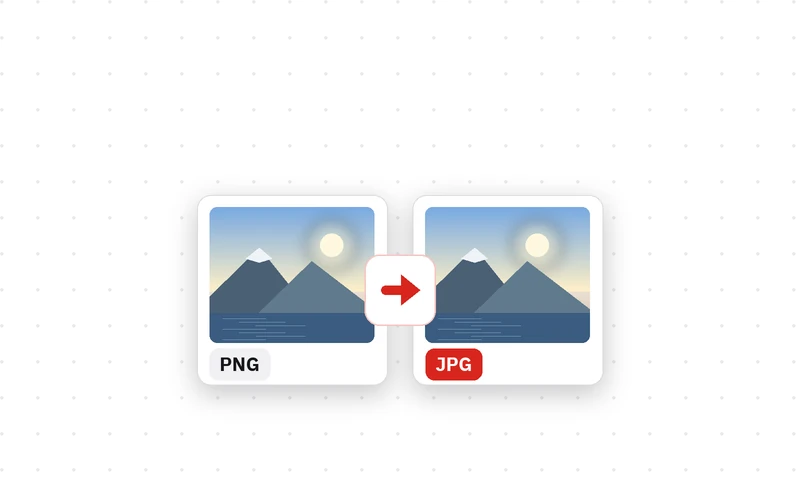
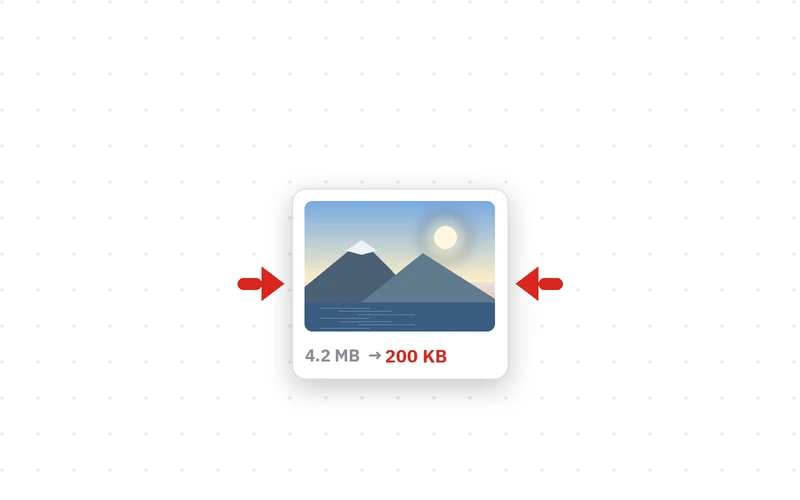
JPG, PNG and WEBP, many at once Squeeze photos down to an upload limit Drag the box over the part you want · drag & drop · Ctrl+V
🔒 Photos are converted only inside this browser on your device. Nothing is uploaded, and the converted file carries no location or camera data.
🔒 Photos are compressed only inside this browser on your device. Nothing is uploaded, and the smaller file carries no location or camera data.
🔒 Photos are cropped only inside this browser on your device. Nothing is uploaded, and the cropped file carries no location or camera data.
Crop Image is a free web tool for keeping just the part of a photo you want. Lock the box to a ratio and drag it where you need it.
How to crop an image
- Click Choose photos and pick an image. Load several and pick one at a time from the list.
- If you need a set shape, press a ratio button such as 1:1, 4:5 or 16:9 first. Leave it on Free to crop any shape.
- Drag the box to move it and pull the handles to resize. The cropped size is shown in pixels.
- Click Crop and download. Press Whole photo to start over.
Crop to the ratio and nothing gets cut off
Profile pictures are 1:1, Instagram portraits are 4:5, thumbnails are 16:9. Crop without a ratio and the site crops it again for you, often across someone's face. Press a ratio button first and the box keeps that shape, so what you see is what gets posted.
Cropping itself does not re-compress the picture: the selected area is taken at full resolution. Cropped files carry no camera or GPS metadata.
- Type
- Image cropper · Free tool
- Ratios
- Free · 1:1 · 4:5 · 4:3 · 3:4 · 16:9 · 9:16
- Save as
- Keep format · JPG · PNG · WEBP
- Batch
- Load several, crop one at a time
- Processing
- In your browser (no upload, nothing saved)
- Works on
- Desktop and mobile browsers (touch supported)
- Released
- 2026-09-20
- Last updated
- 2026-09-20
Good for — square profile pictures, Instagram and YouTube ratios, and keeping just the part of a photo that matters.
FAQ
Is the image cropper free?
It is free, with no install and no sign-up. Crop and download straight from the browser.
Are my photos uploaded to a server?
No. Photos are cropped only inside the browser on your device, so it even works offline.
Can I crop to a fixed ratio?
Yes: 1:1 for profiles, 4:5 for Instagram portraits, 4:3, 3:4, 16:9 for wide video and 9:16 for shorts and reels. The box keeps whichever you pick.
Does it work on a phone?
Yes. Drag the box with your finger and pull the red handles to resize it.
Does cropping reduce quality?
The crop itself does not: the area is taken at full resolution. Only switching the format to JPG re-encodes the file.
Can I crop several photos?
Load as many as you like and crop them one at a time from the list, since the right crop differs for every photo.
I also want to make the file smaller after cropping.
Download the cropped photo and put it into Compress Image to shrink it to a target size.